
— 06AI Learning Resources
AI Video Workflow: ChatGPT × Gemini
Our own internal methodology for AI-assisted video production — from voiceover script to style analysis to AI generation and final assembly.
Workflow Overview
| 1 | Record your own voiceover video first | Clearly articulate what this video needs to say — this becomes the core script/voiceover for the video you'll generate later. |
| 2 | Find reference styles on Pinterest or Instagram | Find the visual style you want to achieve — texture, layout, color, transitions, motion design, overall mood. |
| 3 | Feed the reference video into ChatGPT to break down its style, then feed ChatGPT's prompt into Gemini Omni to generate the video | Have ChatGPT analyze the reference video's style and produce an actionable Gemini Omni / Veo prompt, then generate the video in segments with Gemini Omni. |
Phase 1: Preparation
- —Record the voiceover narration as your core script
- —Gather 3–5 reference samples from Pinterest/Instagram
- —Focus on: texture, layout, color, transitions, motion design, overall mood
Phase 2: Style Analysis via ChatGPT
Upload the reference material and have ChatGPT analyze it across the following dimensions:
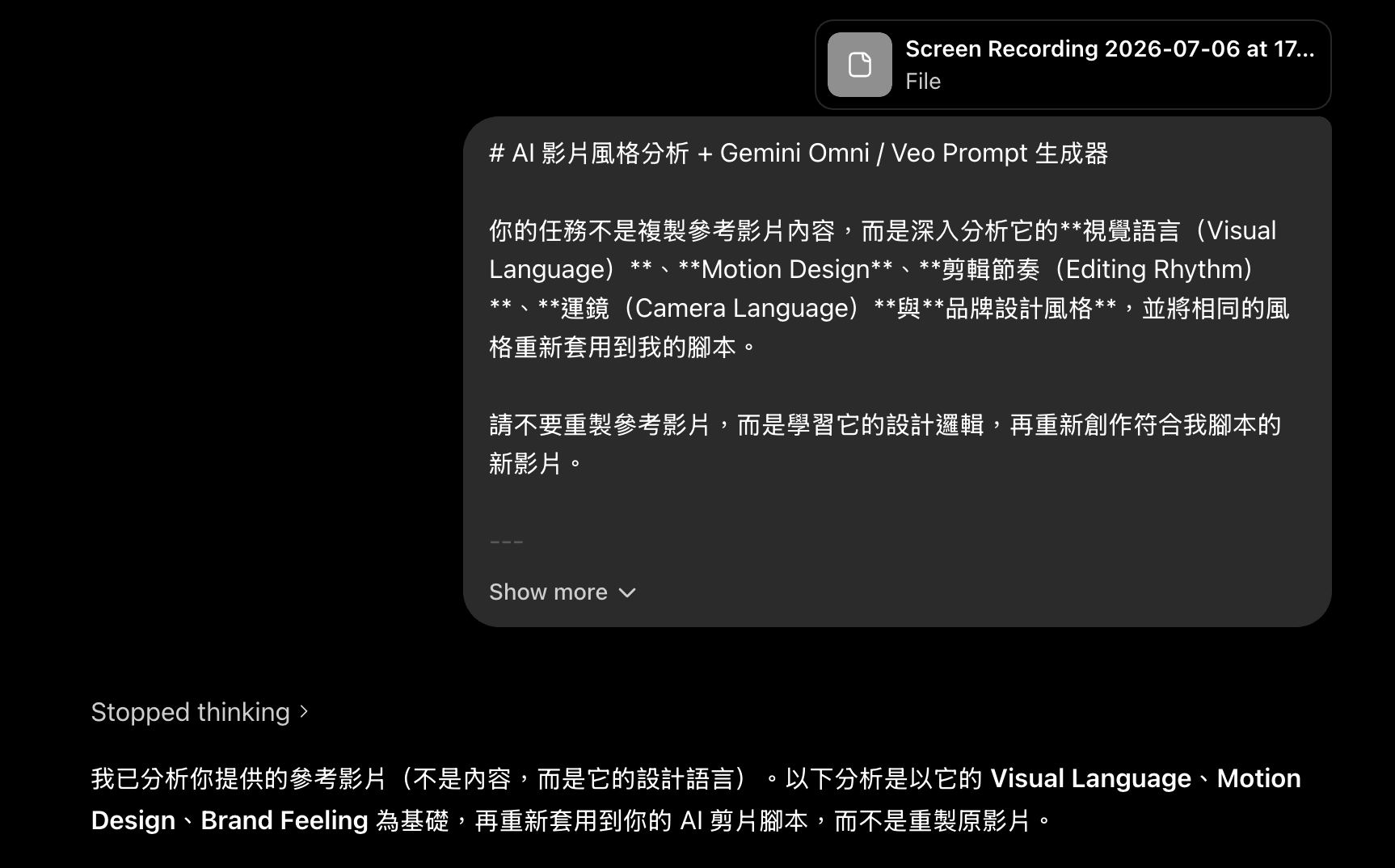
# AI Video Style Analysis + Gemini Omni / Veo Prompt Generator

Your task is not to replicate the reference video's content, but to deeply analyze its **Visual Language**, **Motion Design**, **Editing Rhythm**, **Camera Language**, and **brand design style**, then reapply that same style to my script.

Do not recreate the reference video — learn its design logic, then create a new video that fits my script.

---

# Step 1|Reference Style Analysis

Please fully analyze the reference video and thoroughly break down its Motion Design Language.

## ① Animation Style

Identify which styles the video belongs to:

- Live Action
- Motion Graphic
- 2D
- 3D
- Flat Design
- Glassmorphism
- Editorial Design
- Kinetic Typography
- UI Animation
- Mixed Media
- Apple Style
- Startup Branding
- Luxury Branding
- Minimal Design
- Other identifiable styles

And analyze:

- Overall visual language
- Design philosophy
- Brand/advertising feel
- Social short-video feel
- Cinematic quality
- Information design ratio
- How live action and motion graphics are integrated

---

## ② Motion Design

Please analyze:

### Element Entry Method

For example:

- Fade
- Slide
- Scale
- Pop
- Zoom
- Blur In
- Rotate
- Mask Reveal
- Morph

Describe:

- Which elements are used most often
- Which animations repeat
- Whether there's brand consistency

---

### Animation Speed

Analyze:

- Fast
- Medium
- Slow

Describe:

- Average animation duration per element
- Whether it's consistent
- Whether there's rhythmic variation

---

### Ease

Analyze:

- Ease In
- Ease Out
- Ease In Out
- Linear

---

### Overshoot / Bounce

Analyze:

- Whether the UI bounces
- Whether icons bounce
- Whether characters stay natural
- Whether overshoot is used

---

### Secondary Motion

Analyze:

- Inertia
- Follow Through
- Motion Blur
- Parallax
- Micro-motion

---

### Motion Feeling

Overall belongs to:

- Smooth
- Snappy
- Elegant
- Premium
- Startup
- Apple
- Editorial

---

# ③ Transition

Analyze the video's common transitions:

- Hard Cut
- Match Cut
- Zoom
- Push
- Pull
- Blur
- Motion Blur
- Morph
- Camera Whip
- Scale
- Spin
- UI Expand
- UI Collapse
- Object Transition

Please explain:

- Which are used most often
- Which are worth reproducing
- How they naturally connect to the next scene

---

# ④ Color System

Analyze:

- Primary color
- Secondary color
- Background color
- Gradients
- Lighting
- Shadows
- Glow effects
- Contrast

Please determine which it overall belongs to:

- Apple
- Luxury
- Korean Brand
- Startup
- Editorial
- Lifestyle
- Technology
- Minimal

---

# ⑤ Typography

Analyze:

## Typeface

For example:

- SF Pro
- Pretendard
- SUIT
- Noto Sans
- Source Han Sans

---

## Font Weight

- Light
- Regular
- Medium
- Bold
- Extra Bold

---

## Font Size

Analyze:

- Headline
- Subheading
- Caption text

---

## Layout

Analyze:

- Left-aligned
- Centered
- Editorial Layout
- Whitespace ratio
- Grid System

---

## Animation Style

For example:

- Fade
- Slide
- Mask Reveal
- Character Animation
- Tracking Animation

---

## Effects

Analyze whether these are used:

- Stroke
- Shadow
- Glass Panel
- Background Box
- Glow

---

# ⑥ Camera

Analyze:

- Static
- Push In
- Push Out
- Zoom
- Dolly
- Pan
- Tilt
- Orbit
- Parallax
- Handheld
- Shake

And analyze:

- Camera speed
- Depth of field
- Sense of perspective
- Degree of cinematic quality

---

# ⑦ Editing Rhythm

Analyze:

- Pace
- Information density per second
- Hook
- Pauses
- Acceleration points
- How the CTA closes

---

# ⑧ Sound Design

Analyze:

SFX:

- Whoosh
- Click
- Pop
- UI Sound
- Bass Hit
- Swipe
- Impact
- Glitch

Background music:

- Lo-fi
- Electronic
- Future Pop
- Cinematic
- Startup Branding

And analyze:

- Mood
- Rhythm
- Whether it has a brand feel

---

# Step 2|Segment the Script

Please split the script into segments of roughly 8–10 seconds each.

Reason:

Gemini Omni / Veo generates each video segment at a maximum of about 8–10 seconds, so:

- Each segment can be generated independently
- Each segment connects naturally to the next
- No shot spans across segments
- Each segment has a complete narrative arc

Please split in order:

Scene 1

Scene 2

Scene 3

……

Until the script ends.

---

# Step 3|Generate the Gemini Omni / Veo Prompt

Please generate a prompt for each Scene that can be used directly with Gemini Omni / Veo.

Each segment must include:

## Voiceover

Fill in the corresponding narration.

---

## On-screen Text

Please provide the on-screen text.

Rules:

- Maximum 5–6 characters per line
- Concise
- Punchy
- Suited for short-form video

---

## Gemini / Veo Prompt

Please fully describe:

### Scene Content

Including:

- Characters
- Setting
- Objects
- UI
- Composition
- Actions

---

### Motion

Describe:

- How elements enter
- Animation style
- Ease
- Motion Blur
- Bounce
- Parallax
- Secondary Motion

---

### Visual Style

Please fully preserve the reference video's:

- Color
- Lighting
- Whitespace
- Typography
- Motion Design
- Glassmorphism
- Editorial
- Apple Style
- Startup Branding

---

### Camera

Describe:

- Camera Movement
- Push
- Zoom
- Dolly
- Pan
- Tilt
- Static

---

### Transition

Explain:

How it naturally connects to the next segment.

---

### SFX

Describe:

- Whoosh
- Click
- Pop
- UI Sound
- Bass
- Impact

As well as:

Background Music Mood

---

# Step 4|Final Output Format

Please output everything in the following format:

# Reference Style Analysis

(Full analysis)

---

# Scene 1 (8–10 seconds)

### Voiceover

(Narration)

### On-screen Text

(On-screen text)

### Gemini / Veo Prompt

(Full prompt)

### Transition

(How it connects to the next segment)

### SFX

(Sound effects)

---

# Scene 2

(Same format)

---

# Scene 3

(Same format)

---

Continue until the script ends.

---

# Important Rules (Very Important)

Do not copy the reference video's content.

Only learn:

- Visual Language
- Motion Design
- Typography
- Color System
- Editing Rhythm
- Camera Language
- UI Design
- Brand Feeling

The final generated video must fully match my script — it must not recreate the reference video.

---

# My Script

(Paste the video script here)
Phase 3: Gemini Omni Video Generation (Final Execution Prompt)
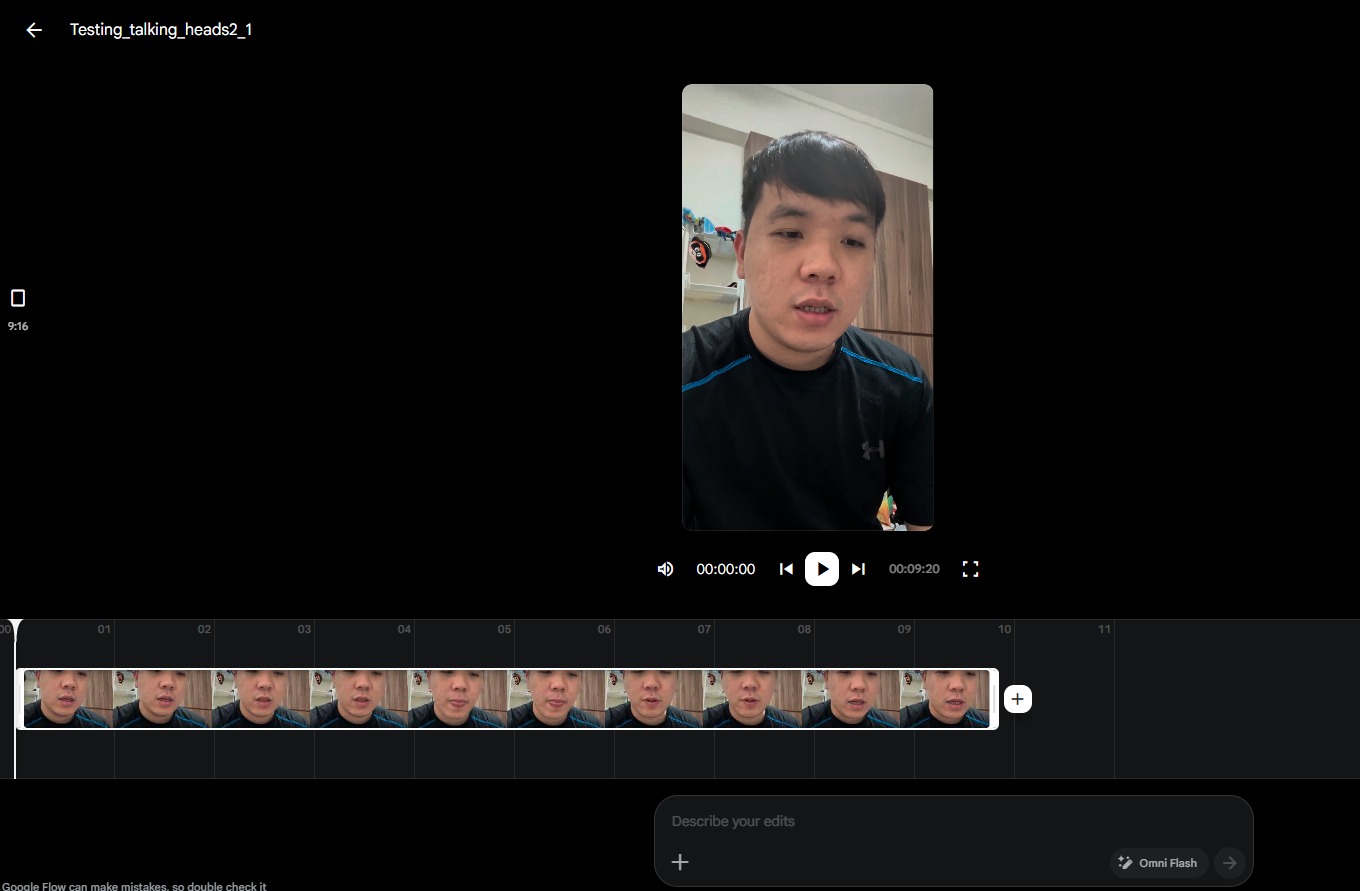
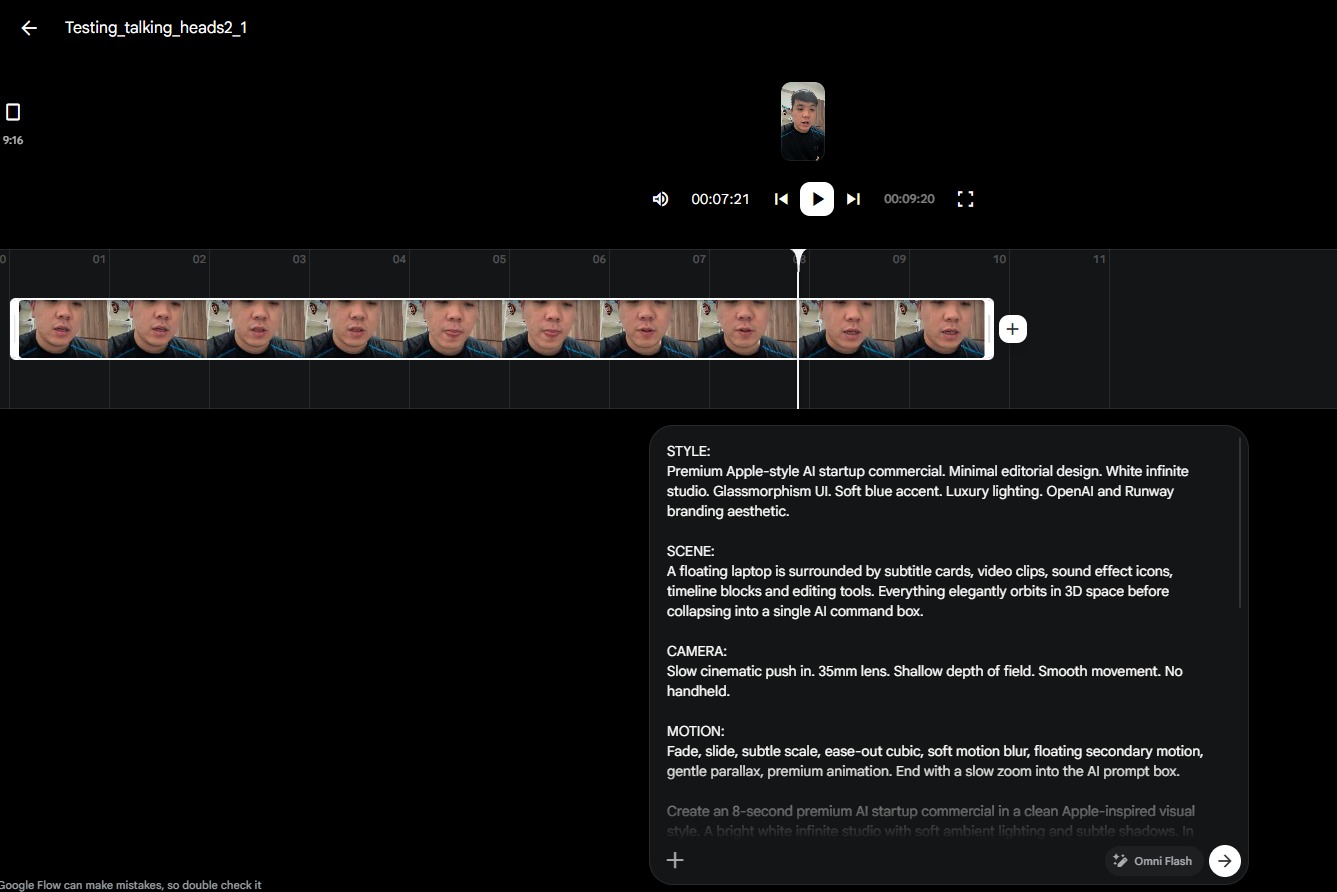
Submit the shot-by-shot prompts produced by ChatGPT, along with the original voiceover video, to Gemini (Omni Flash).
⚠️ Note: each generation can only produce a 10-second clip. Generate it in segments, then bring everything into any editing software to stitch it together and add the music and sound effects you like.
Voiceover

The AI editing era has arrived!

On-screen Text

AI Editing

The Era Has Arrived

Gemini / Veo Prompt

Minimal premium startup commercial. Bright white studio background with soft shadows. A modern laptop floats in the center while dozens of editing timeline layers, subtitle blocks, sound effect icons, and video clips orbit around it. Everything freezes for a split second, then dissolves into a single glowing AI command box. Editorial composition with generous white space, Apple-inspired UI, floating glass cards, monochrome palette with subtle blue accents. Motion uses fade + slide + slight scale (95%→100%), ease-out cubic, soft motion blur, subtle parallax, and gentle secondary floating animation. Camera performs a slow push-in with shallow depth of field. Premium AI branding aesthetic.

Transition

The AI command box rapidly zooms in, fills the frame, then cuts to the next scene.

SFX

Soft whoosh, UI click, electronic Future Pop music begins.

STYLE:
Premium Apple-style AI startup commercial. Minimal editorial design. White infinite studio. Glassmorphism UI. Soft blue accent. Luxury lighting. OpenAI and Runway branding aesthetic.

SCENE:
A floating laptop is surrounded by subtitle cards, video clips, sound effect icons, timeline blocks and editing tools. Everything elegantly orbits in 3D space before collapsing into a single AI command box.

CAMERA:
Slow cinematic push in. 35mm lens. Shallow depth of field. Smooth movement. No handheld.

MOTION:
Fade, slide, subtle scale, ease-out cubic, soft motion blur, floating secondary motion, gentle parallax, premium animation. End with a slow zoom into the AI prompt box.
Phase 4: Gemini/Veo Prompt Generation
- —Voiceover: the narration for that scene
- —On-screen text: max 5–6 characters per line, short and punchy
- —Gemini/Veo prompt: covering scene content (characters, locations, objects, UI, composition, actions), motion description (entry method, animation style, easing, motion blur, bounce, parallax, secondary motion), visual style continuity (color, lighting, whitespace, typography, motion design, glassmorphism, editorial feel, Apple style, startup branding), camera movement (push, pull, zoom, dolly, pan, tilt, static), the transition into the next scene, and sound effects/music mood
Key Guidelines
- —Do not replicate reference content — extract its visual language and design logic instead
- —Learn the design principles, then apply them to your own original script
- —Maximum 10 seconds per AI-generated segment
- —Maintain a unified visual language across the whole piece
- —Import all segments into editing software for final assembly, adding music and sound effects
Output Checklist
- ✅Voiceover recorded and script finalized
- ✅3–5 reference style samples collected
- ✅ChatGPT analysis completed with detailed prompts
- ✅Gemini segments generated (≤10 seconds each)
- ✅Edited in video software with audio
- ✅Consistent visual language across the full production
Want to learn more?Let's talk about your projectChat on WhatsApp→Book a Meeting